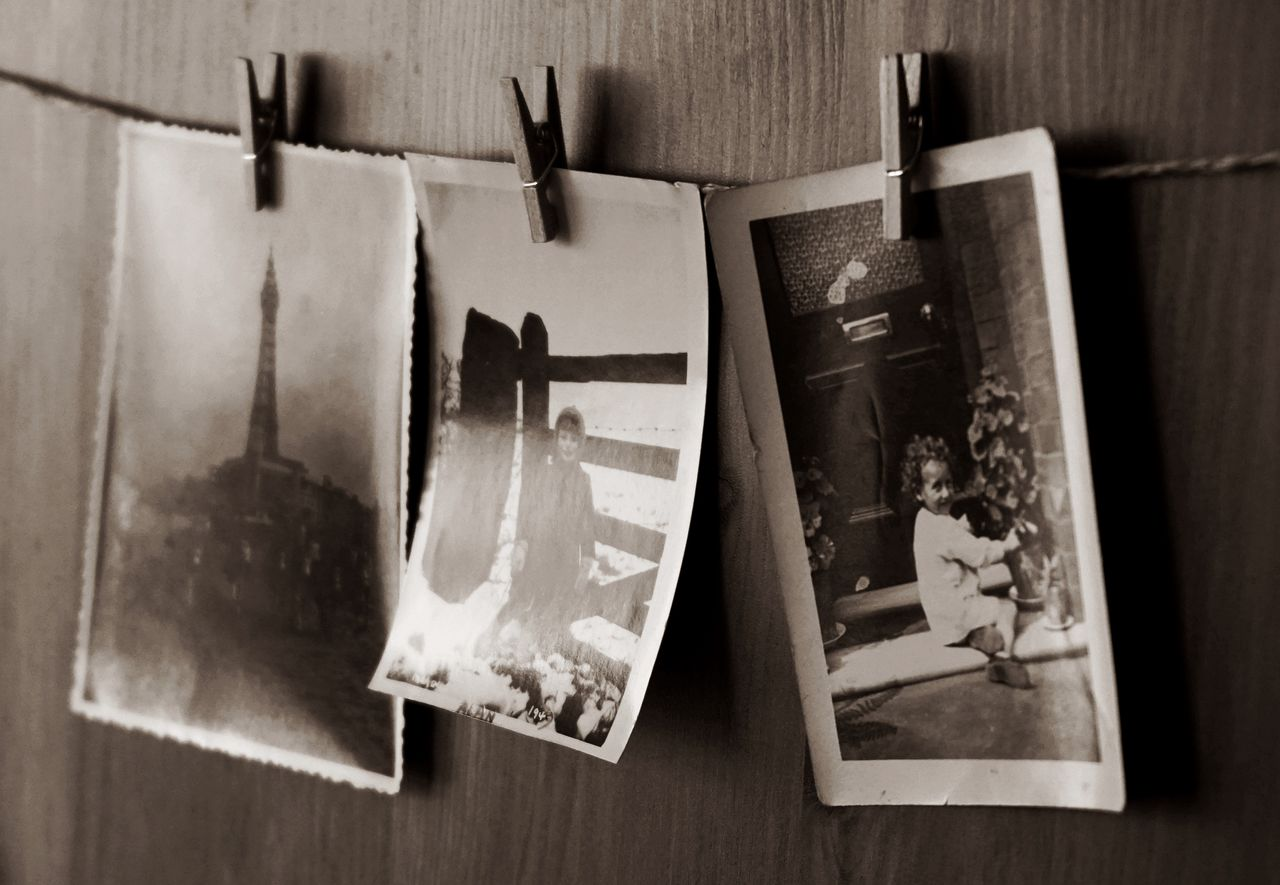
Pull out an old photo album, and you'll notice something fast. Reds look pink. Blues look gray. Skin tones have gone a little orange, and whites have turned yellow.
That's color fading old photos in action. It happens to nearly every printed photograph eventually.
Color fading is a real chemical process, not bad luck. The right technique can restore faded photo color far more often than most people expect.
The dyes in old prints break down over time. Once you understand why photos lose color in the first place, it gets easier to see what can actually be fixed.
That's where professional photo restoration services like Smooth Photo Scanning come in. They bring back detail and tone that looked lost for good.
This is the whole foundation of professional color correction scanning: figure out what's happening to the dyes before you try to fix it.
The Science of Color Fading: UV Light, Chemical Instability, and Dye Degradation
Color photos are built from layers of light-sensitive dyes and silver compounds. These sit pressed into the paper itself.
Those dyes are chemically unstable by nature. They start breaking down the moment they're exposed to light, heat, humidity, and ordinary air.
Ultraviolet light is the biggest culprit. UV rays carry enough energy to physically break the chemical bonds holding the color dyes together.
That's the short answer to why photos lose color, even when photos are stored carefully in a drawer or an album.
Heat speeds up the same chemical reactions. Humidity swells and weakens the paper layers. Pollutants in the air react with the dye molecules directly, and ordinary sunlight keeps the damage going day after day.
Put those together over twenty, thirty, or fifty years. You get the classic signs of color fading in old photos like washed-out reds, yellowed whites, grayed blues, and colors that have drifted far from how they looked on day one.
Which Photo Types Fade Fastest: Polaroids, Chromogenic Prints, Inkjet Prints
Not every photo fades at the same speed. Knowing your print type tells you a lot about why photos lose color at different rates.
- Polaroids and instant film fade fastest of all, often within 10 to 20 years, since the chemical development happens right inside the print.
- Chromogenic prints, the standard drugstore and lab prints from the 1960s through the 1990s, use unstable dye layers, especially the cyan layer, which fades first and leaves photos looking pink or magenta.
- Inkjet prints from early home printers can fade within just a few years if the inks weren't archival grade.
- Black and white prints hold up the longest, since silver-based images are more chemically stable than color dyes.
Color fading in old photos follows predictable patterns based on the print's chemistry, and that pattern guides how a technician approaches the repair.
What Professional Color Correction Can Recover vs. What Is Permanently Lost
Professional color correction scanning can recover a surprising amount. But it can't rebuild dye molecules that have fully broken down.
If some color information still exists in the print, even faintly, a skilled technician can usually restore faded photo color back to something close to the original.
Faded reds, shifted skin tones, yellowed backgrounds, and dulled greens are almost always recoverable. The underlying color data is still there, just weakened.
What's genuinely gone for good is detail that's physically disappeared. Think cracked emulsion, missing fragments, torn corners, or areas where the dye has fully bleached to white.
In those spots, a technician has to recreate the color by eye. They match surrounding tones and lighting, rather than truly restoring color that no longer exists.
Understanding why photos lose color in the first place tells a restoration expert something important. It tells them whether they're correcting existing color or rebuilding it from scratch.
Automated vs. Manual Color Correction: When Each Approach Works Best
Most of the time, professional color correction scanning starts with an automated pass. Specialized software applies a color profile matched to that print type.
It pulls reds, greens, blues, and overall contrast back toward balance in seconds. This works well for mild to moderate fading, like photos that have just gone a bit warm or pink.
For severely faded prints, automated correction only gets you partway there. A technician needs to step in by hand.
That means studying skin tones, comparing similar photos from the same era, checking fabric and background colors, and rebuilding color relationships by hand rather than relying on a formula.
This hands-on work takes longer and costs more. But it's often the only way to restore faded photo color on a print where automated tools can't tell what the original hues were.
A good rule of thumb is that automated correction handles the easy cases. Manual correction handles the stubborn ones that need a trained eye.
That patience is exactly how skilled technicians restore faded photo color on the toughest, most severely faded prints.
Before-and-After Examples of Color-Corrected Scans
Seeing the difference tells the story better than any description. It's also a good way to see what professional color correction scanning looks like in practice. A few common examples we run into:
- A 1978 beach photo with a magenta cast, corrected back to natural skin tones and blue sky.
- A wedding portrait where the white dress had yellowed to beige, corrected to bright white without losing the lace detail.
- A faded Polaroid of a birthday party where every color had drifted toward flat orange-brown, restored to show the original balloon colors and cake frosting.
- A chromogenic print with a strong cyan-pink shift, rebalanced so faces and backgrounds look natural again.
Each of these started as a case of serious color fading in old photos. Each one came back looking close to the day it was taken.
If you've got faded black and white prints too, reviving faded black and white photos works on a slightly different principle. There's no color dye to rebalance, just contrast and detail to pull back out.
Preventing Further Fading After Digitization: Storage Recommendations
Color fading in old photos doesn't stop just because you've digitized them. Proper storage still matters for the original print.
Once your photos are scanned, the digital file stops fading. The physical print keeps aging unless you store it properly.
A few habits that actually help, and that also tie back to why photos lose color in the first place:
- Keep prints out of direct sunlight and away from windows, since UV exposure is the single fastest cause of further fading.
- Store prints in acid-free, archival-safe sleeves or boxes rather than old magnetic albums, which can speed up chemical breakdown.
- Keep humidity moderate and stable, since swings between damp and dry conditions stress the paper and emulsion layers.
- Avoid attics, basements, and garages, where temperature swings are often the worst in the house.
Want to understand more about what's happening to your prints in storage? Our article on how aging causes photo deterioration breaks down the full process.
Let Our Technicians Bring Your Colors Back to Life
If your photos have faded past the point where a phone filter helps, it's time for real professional color correction scanning.
Smooth Photo Scanning has spent over 25 years scanning and restoring color photos at a minimum of 600 DPI. Every bit of remaining color data gets captured before correction work begins.
Our technicians assess each photo for free. They recommend the right restoration level for your prints, from light touch-ups to full, severe restoration, with no obligation until you approve the quote.
Whether it's one cherished portrait or an entire box of faded prints, our team can restore faded photo color and bring the detail back to life.
You can explore the benefits of image restoration before you decide, or just send your photos in and let us show you what's possible.