Every athlete's career lives on through photos and game tape long after the final whistle blows.
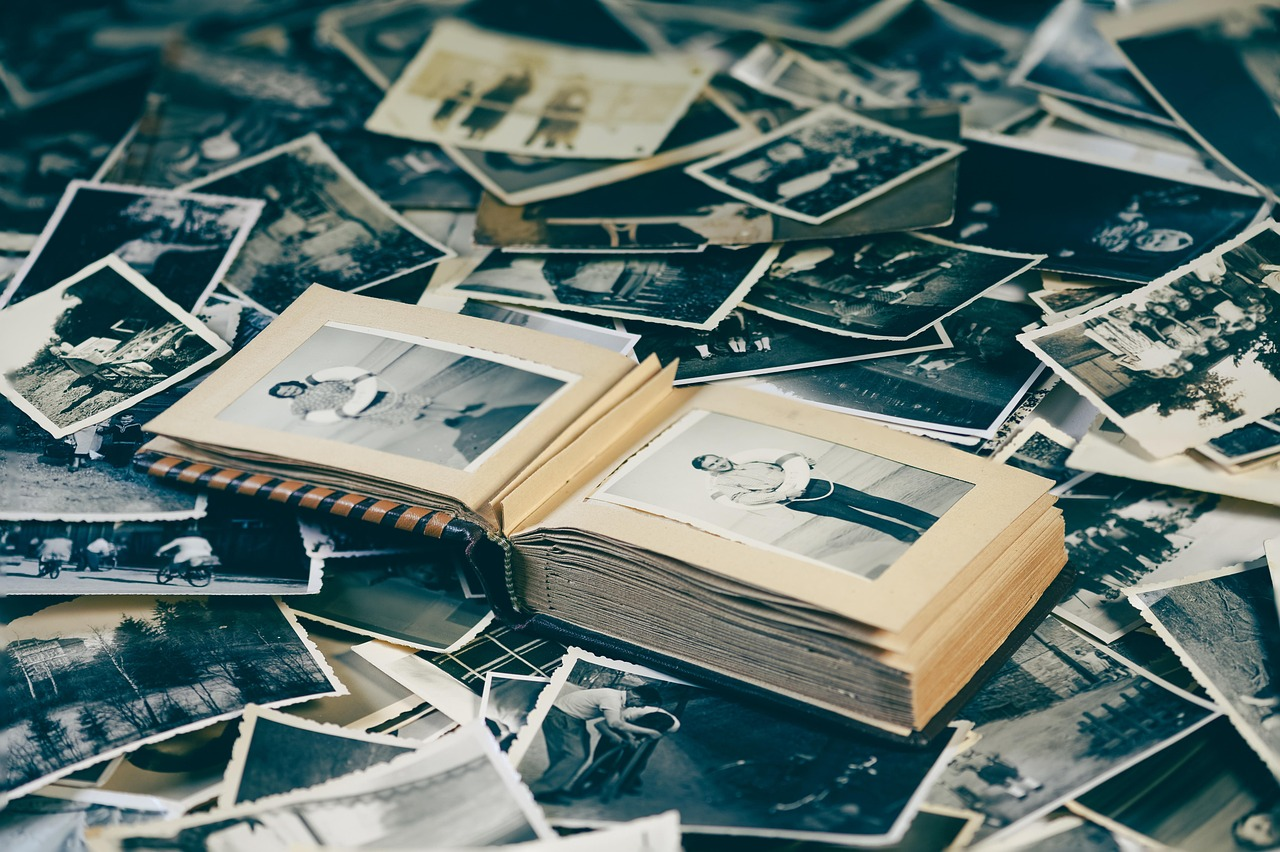
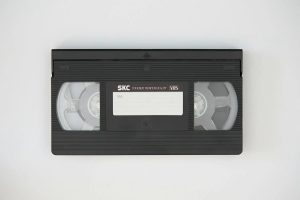
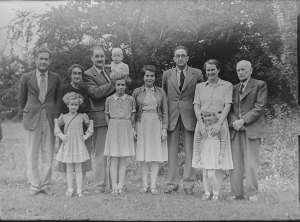
That state championship photo, the VHS tape of a walk-off home run, and the box of team pictures from decades of Little League seasons all tell a story that deserves to outlast old film and magnetic tape.
The problem is that photos fade and tapes wear out while the players in those pictures get harder to track down every year.
The fix is simpler than most people think. You can digitize sports photos and old game footage using the same kind of professional photo scanning services that families use to save their personal photo collections, just applied to a lifetime of sports memories instead.
The Media Sitting in Your Closet Right Now
Sports memories usually come in three main forms, and most families have all three tucked away somewhere:
- Team and individual photos: Yearbook-style team photos, individual player portraits, action shots from the sidelines, and candid shots from the bench or dugout.
- Camcorder game footage: Full games or highlight moments recorded on formats like VHS, VHS-C, Hi8, or MiniDV during the 1980s through the early 2000s.
- Printed programs and news clippings: Game programs, newspaper clippings, printed box scores, and ticket stubs that often get stored alongside the photos.
Each of these formats degrades differently, but all of them are aging in ways you cannot always see from the outside.
A tape that plays fine today might not play at all in five years, and a photo that looks sharp now can already be losing color in ways only a scanner picks up clearly.
This is exactly why so many families decide to digitize sports photos before another season passes.
Scanning Decades of Team Photos
If your family has been involved in sports for generations, you probably have team photos spanning Little League, high school, college, and maybe even a rec league or two.
These photos usually end up scattered across different boxes, frames, albums, and dresser drawers, which makes it easy to lose track of what you actually have.
A proper approach to scanning team photos starts with sorting everything by era first. Sorting early makes it much easier to spot duplicates and figure out which seasons are missing.
Once sorted, high-resolution scanning captures details a phone camera misses, including jersey numbers, handwritten notes on the back, subtle fading, and even the texture of the original print paper. Here is what typically needs the most attention:
- Little League team photos from the 1970s through 1990s, which were often printed on lower-quality paper stock.
- High school yearbook portraits and action shots, frequently stored loose in drawers.
- College team photos and press clippings, sometimes laminated in ways that damage the print over time.
- Family snapshots taken from the stands, which capture moments official photographers missed.
Converting Game Day Camcorder Footage
Game footage brings its own challenges since so many formats were used across different eras, which is why families who want to convert game day VHS footage often start by figuring out what formats they actually have.
If your family recorded games on Hi8, MiniDV, VHS-C, or standard VHS, you are dealing with formats most modern devices cannot even read anymore, let alone play back reliably.
To convert game day VHS and similar tape formats, a technician needs the original playback equipment for each format, since a VHS deck cannot play a Hi8 or MiniDV tape.
The footage gets captured digitally and cleaned up for issues like tracking lines, color drift, audio hiss, and dropped frames before being saved in a modern file.
Reliable video tape transfer services handle this using equipment built for each specific format, which matters because forcing the wrong tape into the wrong deck can jam or damage it permanently.
Turning Old Footage Into Highlight Reels
Once you convert game day VHS footage into digital files, you get options that were never possible with the original tape.
A digitized highlight reel can pull together the best moments from an entire season, whether that means touchdowns, home runs, big saves, or buzzer-beaters.
Editing digital footage also lets you trim out the dead time that used to eat up hours of raw tape, like warmups, timeouts, referee huddles, and long stretches between plays.
What is left is a tight reel that actually gets watched instead of sitting untouched on a shelf.
Many families also pair this with creating a custom photo slideshow that mixes still photos with video clips, which works especially well for celebrating an entire career rather than a single season.
Organizing Everything by Season, Team, and Player
Digitizing your sports collection only helps if you can find what you need later. A smart organization system saves you from digging through hundreds of unlabeled files. Most labs and families find success organizing digital files this way:
- By season, so every photo and clip from a specific year lives in one folder
- By team or league, useful for families with kids in multiple sports or age groups
- By player, especially helpful for coaches or grandparents tracking one athlete's whole career
- By event type, separating regular season games from playoffs, tournaments, banquets, and awards nights
This structure makes it far easier to preserve sports memories digitally in a way that stays useful for years, not just something you save once and never touch again.
A whole program benefits once someone finally takes the time to scan team photos into one searchable system instead of a dozen scattered boxes.
Sharing Digitized Memories at Reunions and Celebrations
Digitized sports media becomes even more valuable once you can actually share it.
Team reunions and end-of-season banquets are perfect moments to bring old footage and photos back to life, and retirement celebrations offer another natural stage for it.
A highlight reel playing on a screen during a banquet hits differently than a dusty tape nobody has watched in twenty years. Coaches love seeing old rosters again, and players enjoy spotting themselves and old teammates in action.
Digital files also travel easily, so you can text a favorite photo to a former teammate or share a highlight clip with an entire team group chat in seconds.
Turn Your Sports Memories Into a Permanent Digital Archive
Every season that passes makes old photos and tapes a little more fragile, so there is real value in acting now.
If you have tapes specifically, VHS-to-DVD or digital conversion turns fragile magnetic tape into files that will not degrade further, no matter how many times they get watched.
Your family's sports history deserves better than sitting in a closet where nobody can enjoy it.
Take the time to digitize sports photos and old footage now, while the tapes still play and the prints still hold their color, so you can preserve sports memories digitally and keep them part of your family's story for good.