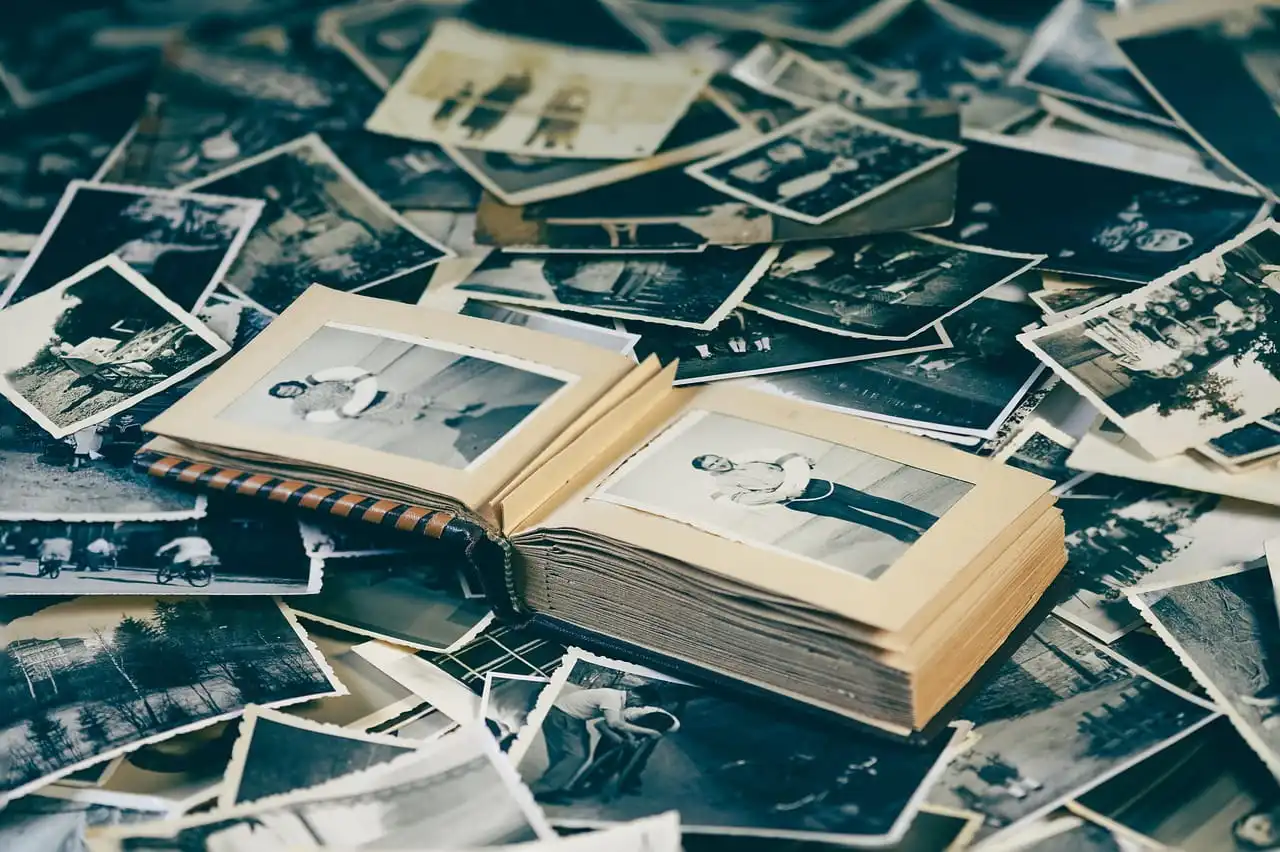
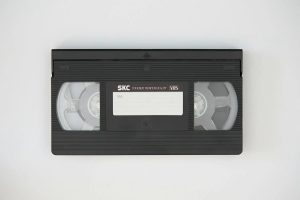
When you finish digitizing a box of family photos, VHS tapes, slides, negatives, and film reels, it is tempting to clear the shelf and throw everything away. Don’t.
The safest answer to what to do with old photos after scanning is to keep the originals that have sentimental, historical, or family value, and only discard items after you have reviewed the digital files and the physical copies.
Digitization gives you easier access and a backup, but it does not make the original media meaningless. If you are wondering how to store old photo albums safely, keep them in a cool, dry, dark place using archival materials.
1. Use caution before throwing away originals: why physical copies may still have value
So, should you keep or throw away original photos?
In most cases, keep them. The safest approach is to keep or throw away original photos only after you have checked whether each item contains information that the digital copy does not.
A scan captures the image, but the physical item can contain details that a digital file cannot. A handwritten note on the back, a studio stamp, a date, a photographer’s mark, or the paper itself can provide family and historical context.
Originals also give you another source if you ever want a higher-resolution scan, restoration, or a different digital format. For now, keep originals when they are:
- The only copy of a family event or person
- Historically or genealogically important
- Handwritten, annotated, signed, or dated
- Unusual formats such as slides, negatives, or early prints
- In good enough condition to preserve
2. Archival storage for photos: use the right materials
Avoid cardboard boxes from the garage, plastic bags, damp basements, and hot attics. Those conditions can speed up fading, mold, sticking, and other damage. For long-term post-digitization photo storage, use:
- Acid-free, archival-quality boxes for loose prints and albums
- Polyester, polypropylene, or polyethylene sleeves for negatives
- Labels written in pencil rather than marker directly on film
- A cool, dry, dark area away from windows, radiators, and vents
- Shelving that keeps boxes off the floor in case of leaks or flooding
Photos and albums are especially vulnerable to moisture and temperature swings. If your home is at risk of flooding, it is worth reviewing ways to protect photos from flood damage.
You do not need a museum-grade archive in your house. You need stable conditions and materials that will not introduce more chemicals or moisture to your collection.
Knowing how to store originals after digitization makes your preservation plan much more effective.
3. Storing negatives and slides separately from prints
Negatives and slides deserve their own storage because they are not simply smaller versions of printed photos. They can hold image information that you may want to rescan later.
If you are deciding what to do with old photos after scanning, do not automatically toss the negatives because you already have a JPEG. Store negatives and slides:
- In archival sleeves sized for the specific format
- Flat or in their original safe containers when appropriate
- Away from dust, direct sunlight, and high humidity
- Separately from loose prints so they are easier to identify
- With simple labels that connect them to the matching digital folders
Smooth Photo Scanning handles many negative and slide formats and can remove dust and specs while enhancing color during scanning.
That makes the digital copy much easier to use, but the original film can still be worth preserving. Learn more about storing and accessing your digital media.
4. Consolidating tapes and film reels for compact, safe storage
What about VHS tapes, camcorder tapes, 8mm film, Super 8, or 16mm reels?
Once these are digitized, you can often reduce the amount of physical clutter by grouping each format together and keeping only the most important originals. Tapes and film should not sit in garages, attics, or other hot, humid spaces. Film is particularly vulnerable to deterioration from heat and poor storage conditions.
For post-digitization photo storage that includes film and video, use a simple system:
- Keep tapes in their cases and reels in archival-quality containers
- Store them upright when the format and container call for it
- Keep them away from heat, moisture, magnets, and direct sunlight
- Group them by family member, event, or approximate date
- Keep notes or labels with the original media when they help identify the content
If you need to store originals after digitization, keeping tapes and reels together by format can make the collection easier to manage without taking up unnecessary space.
Smooth Photo Scanning transfers VHS and other tape formats to digital files, along with 8mm, Super 8, and 16mm film. This can make old home movies easier to watch and share without repeatedly handling aging media.
If you want to understand the digital side of the process, these cloud storage basics for beginners can help you choose a practical backup approach.
When it IS okay to discard originals
So, when can you stop asking whether to keep or throw away original photos?
You can consider discarding an item when it is clearly a duplicate, has severe damage with no additional information, or is a mass-produced commercial print that has little personal value. Before you discard anything, check:
- Does it contain information that is not in the digital copy?
- Is it truly a duplicate, or is the image slightly different?
- Does another family member want the original?
- Is the item historically, legally, or genealogically useful?
- Is the digital file complete, readable, and backed up?
If the answer is no across the board, disposal may make sense. But do not rush. What looks like an unimportant duplicate today may be the only physical copy another relative cares about tomorrow.
Donating originals to historical societies, libraries, or family
Some originals have value beyond your immediate family. Old photos of a neighborhood, business, school, military unit, local event, or community organization may interest a historical society or local archive.
Family members may also want physical copies for their own collections.
Before donating, identify the material and contact the organization first. Ask whether it accepts photographs, negatives, slides, tapes, or film reels and whether it has suitable archival storage.
For families, you can also distribute meaningful originals after digitization. This can be a better option than keeping every item in one person's home.
A simple rule for what to do with old photos after scanning is this: preserve what tells a story, share what matters to someone else, and discard only what you can confidently replace.
What should your post-digitization plan look like?
The simplest approach is to create three groups: keep, share, and discard. Your post-digitization photo storage plan can include:
- A labeled archival box for important originals
- Separate sleeves or containers for negatives and slides
- A dedicated place for tapes and film reels
- A backup of the digital files in more than one location
- A short inventory so future family members know what you kept
If you are still deciding how to store originals after digitization, start with the items that have the greatest sentimental or historical value. You can always review less important materials later.
Do not treat digitization as the finish line. Think of it as the moment your preservation plan becomes easier to manage. Good post-digitization photo storage protects the physical collection while your digital backups make the memories easier to access.
We return your originals. You decide what stays.
At Smooth Photo Scanning, your originals are not treated as disposable once the digital work is complete. We handle photos, albums, negatives, slides, tapes, and film in-house and return your physical media.
That means you can take your time deciding what to keep, share, donate, or discard. Smooth Photo Scanning can digitize photos and albums, slides, negatives, video tapes, 8mm, Super 8, and 16mm film, giving you organized digital versions that are easier to view and share.
If you have been wondering what to do with old photos after scanning, start simple: keep the irreplaceable originals, store them properly, and let go only when you are certain they no longer serve a purpose.