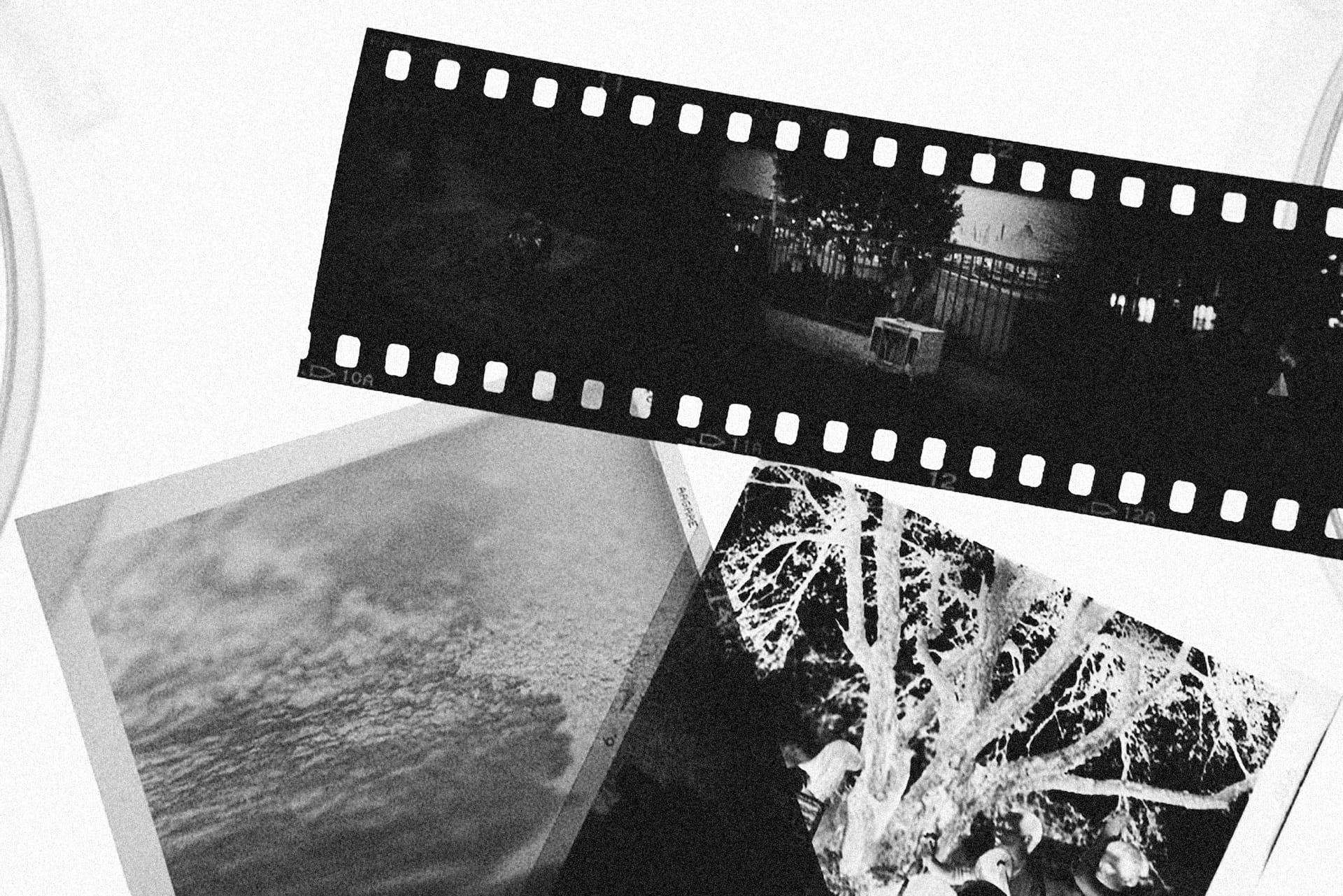
Opening an old storage box can feel overwhelming. One minute you are expecting a few family photos. The next, you are staring at loose prints, photo albums, negatives, slides, VHS tapes, film reels, cassette tapes, and mystery envelopes that have not been opened in decaades.
The good news is that you do not need to figure everything out at once. The easiest way to sort old photos tapes slides is to work through the collection step by step.
A simple sorting process helps you organize mixed media for scanning without feeling overwhelmed. Once everything is grouped and labeled, it becomes much easier to digitize mixed collection photos videos and preserve your family history.
Many families postpone these projects because they seem too complicated. In reality, most collections can be organized in a single afternoon.
Even better, having all our digitization services under one roof means you do not have to find separate providers for each format.
The “Everything in One Box” Problem
Most family collections did not start out messy. Over time, people move homes, clean out attics, inherit belongings from relatives, or combine multiple family archives into one location.
Before long, photographs, negatives, slides, videotapes, and film reels end up mixed together in a single box. This situation creates several challenges:
- Different media formats require different handling methods.
- Some materials deteriorate faster than others.
- Important items may become buried beneath less valuable materials.
- Labels and dates often get separated from the original items.
- Fragile media can become damaged through repeated handling.
Learning how to sort old family media before digitization helps protect valuable memories and makes the entire process more manageable.
Step 1: Separate Everything by Media Type
The first thing to do is create simple categories. Do not worry about dates, names, or events yet. Focus only on separating formats. Create piles for:
- Printed photographs
- Photo negatives
- Mounted slides
- VHS tapes and camcorder tapes
- Audio cassettes
- Film reels
- Photo albums and scrapbooks
This first step helps you sort old photos tapes slides quickly without getting distracted by details.
As you work through the box, place each item into its appropriate group. The goal is simply to organize mixed media for scanning into manageable categories. Once separated, the collection immediately becomes less intimidating.
Step 2: Assess the Condition of Each Item
After separating formats, evaluate their condition. Not all media ages the same way. Some items may still look perfect, while others may require urgent attention. Create three simple categories:
Good Condition
These items show little or no damage. Examples include:
- Clean photographs
- Intact slides
- Well-stored negatives
- Tapes with original cases
Fragile Condition
These items show signs of aging but remain usable. Examples include:
- Curled photographs
- Faded slides
- Scratched negatives
- Aging tape labels
Damaged Condition
These items may require immediate digitization. Examples include:
- Torn photographs
- Mold-damaged materials
- Warped tapes
- Film with strong odors
Film collections deserve special attention because vinegar syndrome destroying film and negatives can spread over time. If film reels or negatives smell like vinegar, prioritize them immediately.
When people ask how to sort old family media, identifying fragile items is often the most important step.
Step 3: Group Items by Era or Event
Once formats are separated and conditions assessed, begin organizing by timeline or life event. You do not need perfect dates. Approximate groupings work well. Common categories include:
- Childhood years
- School events
- Weddings
- Vacations
- Military service
- Holidays
- Family reunions
This step helps organize mixed media for scanning in a way that makes sense later when viewing digital files.
If you discover hundreds or thousands of photos, you may find yourself deciding which photos to scan first. Grouping by event makes that decision much easier.
You can also use sticky notes, envelopes, or index cards to identify major categories.
Step 4: Prioritize What Needs Digitization First
Not everything carries the same urgency. The smartest strategy is to digitize mixed collection photos videos based on preservation risk. Start with the most vulnerable items:
- Film reels showing deterioration
- Negatives with visible damage
- Older videotapes
- Faded slides
- Fragile photographs
These formats typically face greater long-term risks than standard photo prints. A simple priority order might look like this:
- Damaged film and negatives
- Aging videotapes
- Slides
- Fragile photographs
- Newer prints
When you sort old photos tapes slides this way, you reduce the risk of losing content before it can be preserved.
People often focus on their favorite photos first. However, preserving the most fragile items usually delivers the greatest long-term value.
Step 5: Label and Package Everything Properly
Before shipping or dropping off your collection, take time to label each group.
Good labels make the digitization process smoother and help maintain organization after scanning. Helpful labels include:
- Family name
- Date range
- Event name
- Media type
- Special instructions
For example:
- Smith Family Wedding 1984
- Summer Vacation 1992 Slides
- Grandfather’s Military Photos
- Family VHS Collection
This approach helps organize mixed media for scanning while reducing confusion later.
Use sturdy containers, padded envelopes, protective sleeves, and secure packaging materials whenever possible.
When you are ready, simply place your order and ship your collection with clear labels attached to each group.
Why Sending Everything at Once Saves Time and Money?
Many families assume they should tackle one format at a time. In reality, sending the entire collection together is often more efficient. Benefits include:
- Fewer shipping costs
- Less time spent organizing multiple projects
- Consistent file organization
- Easier family sharing
- Potential cost savings through bundle services
When you digitize mixed collection photos and videos together, you create a single digital archive rather than several disconnected projects.
Many customers are surprised to learn how much they can save through pricing and volume discounts when multiple media formats are included in the same order.
Instead of managing separate vendors for photos, tapes, slides, and film, everything can move through one streamlined process.
Preserve Your Family History Before It Gets Harder
Every year makes older media more vulnerable.
Photographs fade. Slides lose color. Tapes deteriorate. Film continues to age.
That is why learning how to sort old family media now can prevent larger preservation challenges later.
Start by separating formats, assessing condition, grouping by event, prioritizing fragile items, and labeling everything clearly. Once organized, it becomes much easier to sort old photos, tapes, slides and prepare them for digitization.
The best part is that you do not have to manage multiple providers or coordinate separate projects. We can digitize mixed collection photos, videos, photographs, slides, negatives, tapes, and film reels under one process.
If your family memories are sitting in a single crowded box, now is the perfect time to organize mixed media for scanning and protecting those stories for future generations.