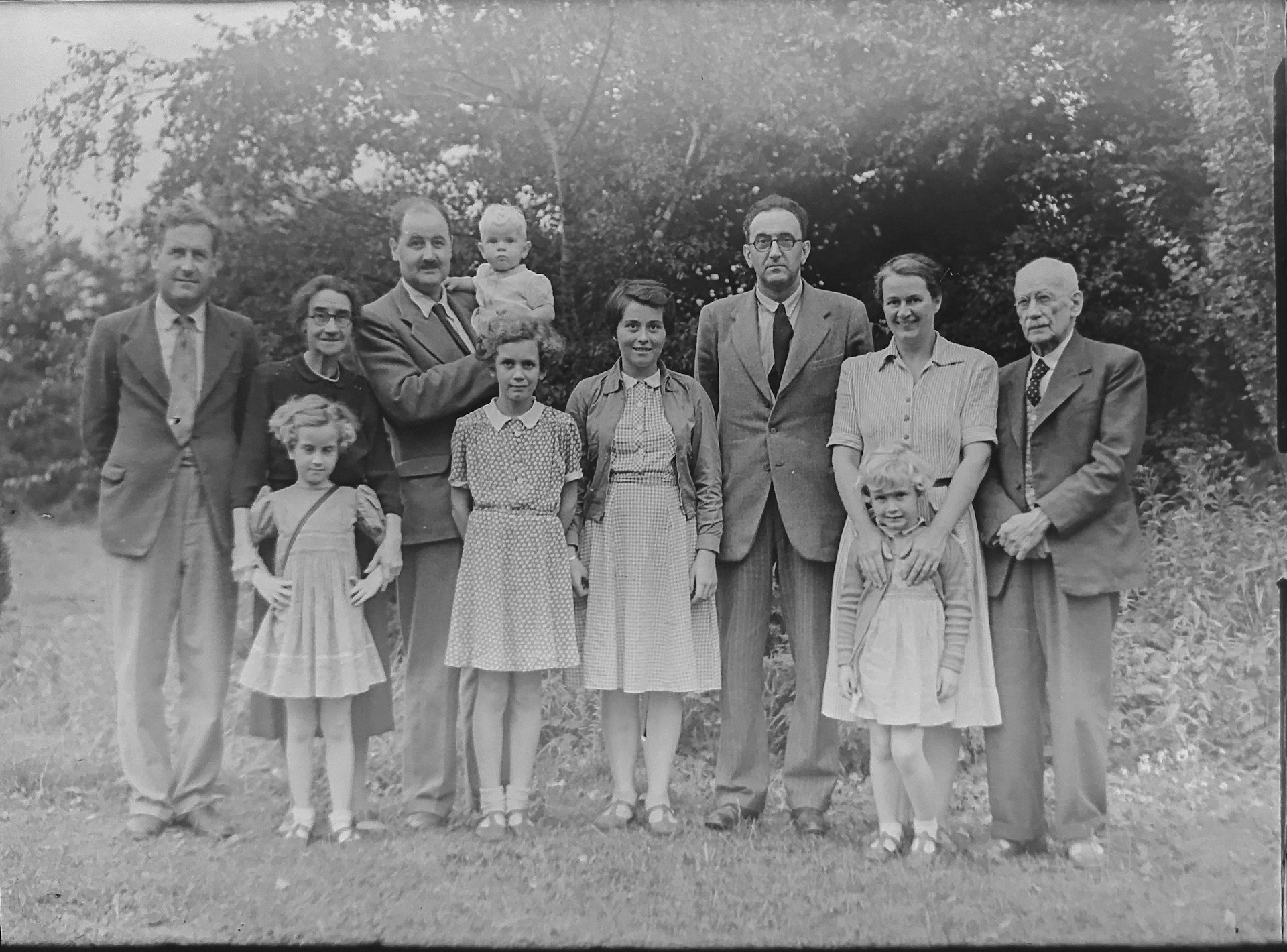
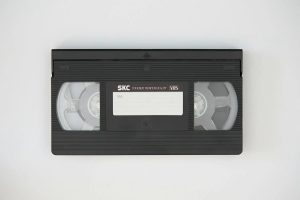
You can’t digitize what you can’t find. Before you send a box of old photos or tapes to a scanning service, take one simple step: make a family photo inventory.
You do not need to identify every picture perfectly. You need a clear snapshot of what you own, where it is, what condition it is in, and what you want digitized first. That makes the project easier to plan and helps you avoid shipping a box only to realize you left half your collection in a closet.
If you are still deciding what deserves a place in your project, these photo culling and selection tips can help you narrow the collection before you count it.
Why a Media Inventory Saves Time, Money, and Frustration
A media inventory for digitization gives you one working list instead of a collection of mystery boxes. It also helps you spot duplicates, separate formats, and identify items that need special handling. A good inventory can help you:
- Find forgotten media before you place an order.
- Estimate the size of the project before you pack anything.
- Separate urgent items from media that can wait.
- Group similar formats so they are easier to count and process.
- Give a scanning service enough information to prepare a useful estimate.
The goal is not perfection. Rough counts are often enough to start. Smooth Photo Scanning says customers do not need to count every item before ordering. A rough estimate works, and the final charge is based on the exact number of items digitized.
That means your family photo inventory can be a practical planning tool rather than another major project.
Room-by-Room Search: Where Photos, Tapes, and Film Reels Hide
Do not start by opening every box at once. That is how a one-hour inventory turns into an all-day project.
Instead, walk through the house with a phone or notebook and check one storage area at a time. For your family photo inventory, look in places where older media commonly gets pushed aside:
- Hall closets: shoeboxes and photo envelopes.
- Bedrooms: dresser drawers and under-bed storage.
- Attics: trunks and old family albums.
- Basements: plastic bins and VHS collections.
- Home offices: negatives and unlabeled media.
- Garages: boxes from previous moves and inherited collections.
Ask relatives to check their homes too. One sibling may have the albums while another has the negatives or home movies.
As you catalog old photos before scanning, avoid moving everything into one giant pile. Give each container a temporary ID such as BOX-01 or ALBUM-03. Photograph the outside of unusual containers so you can recognize them later.
The same media inventory for digitization should include tapes and film, not just printed photographs. Smooth Photo Scanning works with photo albums, slides, negatives, video tapes, broadcast tapes, movie film, and audio formats.
Inventory Template: Format, Quantity, Condition, Priority, Location
Your inventory does not need fancy software. A spreadsheet works well, but a notebook is fine if you keep the same fields for every item. Use these columns for each entry:
|
Field
|
What to record
|
|
Format
|
Loose photos, albums, slides, negatives, VHS, film reels, audio tapes
|
|
Quantity
|
Estimated number of photos, tapes, slides, reels, or film feet
|
|
Condition
|
Good, fair, damaged, moldy, brittle, stuck, or unknown
|
|
Priority
|
High, medium, or low
|
|
Location
|
Room, closet, shelf, box, or album number
|
|
Notes
|
Dates, people, events, labels, special handling needs
|
For example, instead of writing “old photos,” write “BOX-04, about 600 loose 4×6 prints, fair condition, family vacations, high priority.”
This level of detail makes it much easier to organize photos for scanning later.
If you have a large collection, catalog old photos before scanning in batches. Finish one room or storage area before moving to another. That makes it easier to spot gaps.
Estimating Digitization Costs From Your Inventory Count
Once you have your counts, you can turn them into a rough project budget. The key is to count each media type separately because scanning prices can vary by format, size, resolution, quantity, and service.
Smooth Photo Scanning lists separate pricing for loose photos, albums, slides, negatives, video tapes, audio, and movie film. Photo pricing also changes based on quantity and resolution. Your inventory might look like this:
- 1,200 loose photos
- 8 photo albums
- 250 35mm slides
- 180 negative frames
- 22 VHS tapes
- 6 film reels
Do not add these numbers together. They represent different format types . Instead, total each category separately and compare each count with the relevant pricing tier.
Your family photo inventory can also help you decide what to digitize first. If your budget is limited, start with media that is fragile, deteriorating, or difficult to play. Then work through lower-priority items as your budget allows.
Grouping by Format for Efficient Processing and Shipping
Once you have a count, organize photos for scanning by format before you pack them. Keep loose prints together. Keep slides together. Keep negatives together. Keep tapes and film reels in their own groups.
Do not mix formats inside the same unlabeled box. A simple label can save a lot of confusion:
- BOX-01: Loose photos, approximately 500
- BOX-02: Photo albums, 6
- BOX-03: 35mm slides, approximately 300
- BOX-04: VHS tapes, 18
If you have albums that you want to preserve as albums, note that separately from loose prints. The same goes for scrapbooks, mounted photos, or unusually large prints.
A well-organized media inventory for digitization also makes packing easier because you know exactly what belongs in each box.
If you are unsure whether to arrange your collection by date or subject, read this guide to chronological vs. categorical organizing before you start moving everything around.
Using Your Inventory to Get Accurate Quotes From Scanning Services
A scanning company does not need an exact count to provide a quote or start your order. At Smooth Photo Scanning, a rough quantity estimate is perfectly fine to get started.
Still, the better your inventory, the easier it is to compare options. Before requesting a quote, have these details ready:
- Estimated quantity of each media format.
- Resolution you are considering for photo or film scans.
- Approximate length or number of reels for movie film.
- Any damaged media that may need extra handling.
- Your preferred digital delivery method.
This is also where a family photo inventory can prevent an unpleasant surprise. You may discover that what looked like “a few boxes” is actually several thousand photos plus tapes and film.
For film collections, remember that pricing can depend on footage rather than the number of reels. Smooth Photo Scanning provides movie film pricing by the number of feet transferred.
Before you request a quote, catalog old photos before scanning and record your best estimates. You can then give the provider a much clearer picture of the project. You can also get a quote immediate by entering your inventory and options here.
How to Organize Photos for Scanning Without Losing Track
The easiest system is the one you will actually maintain. You do not need to identify every person or date before scanning. Start with three decisions:
- What gets scanned?
- What gets scanned first?
- Where does each item belong?
Then give every box or album a simple ID. Record that ID in your spreadsheet and keep the physical label visible.
If you remove photos from an album or envelope, preserve the original order. Numbering groups can help. For example, you could label a set “BOX-05 / 001-050” and record any known dates or event names in your notes.
This approach makes it much easier to organize photos for scanning without losing track of where anything came from.
For more help deciding what makes the cut, use these photo culling and selection tips before you finalize your batches.
Start Your Inventory Today
You do not need to finish your entire collection in one weekend. Start with one room, one box, or one shelf.
As you build your family photo inventory, focus on finding everything first. Then catalog old photos, group your formats, and mark your priorities. Once you know what you have, you can organize photos with far less guesswork.
When you are ready to move from planning to preservation, explore all our digitization services to see how Smooth Photo Scanning can help with photos, film, tapes, slides, negatives, and audio.
You can also review scanning pricing and volume discounts to see how your estimated quantities may affect your project cost. Smooth Photo Scanning offers quantity-based discounts across several media types.
Download our free inventory checklist and start cataloging today. A little organization now can save you hours of searching later.