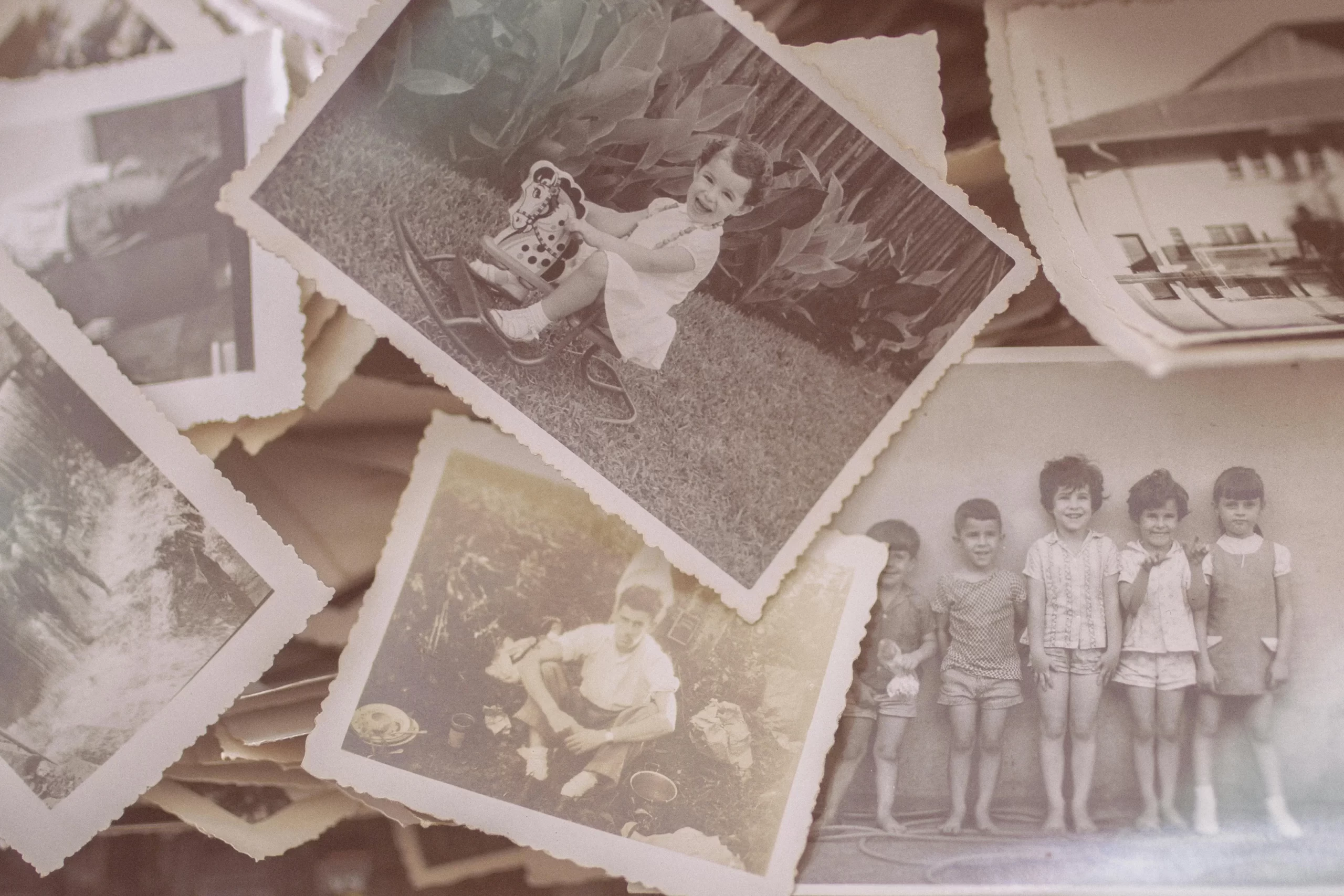
The Art of Culling: How to Decide Which Photos to Scan and Which to Let Go?
10
March
2026
3:14
pm
The Art of Culling: How to Decide Which Photos to Scan and Which to Let Go? Written by:
Brandon Harris, Smooth Photo Scanning Services
Now that cloud storage is at our fingertips, it feels natural to save everything. Yet when it comes to photo organization, scanning every image is rarely the best strategy.
Today, we will help you approach photo organization strategically, preserve what truly matters, and prepare your collection for professional scanning with confidence.
The “Digital Clutter” Trap: Why You Shouldn’t Scan Everything
While digitizing old photos is essential for preservation, scanning without selection creates three problems:
Bloated digital folders that are difficult to navigate
Increased storage costs (cloud or physical media)
Higher scanning expenses due to volume
What is Photo Culling?
Photo culling is the deliberate process of reviewing, selecting, and eliminating redundant or low-value images prior to digitization.
Think of it as editorial decision-making for your family history.
Approach
Outcome
Long-Term Impact
Scan Everything
Large digital archive
Hard to navigate
Intentional Photo Culling
Curated collection
Easier sharing & storytelling
Random Sorting
Inconsistent results
Family confusion
The “Keepers” Checklist: 4 Questions to Ask for Every Image
When practicing intentional photo culling, you need a repeatable framework.
Professional archivists use appraisal standards to determine historical value. You can apply similar logic at home while decluttering photos and preparing for digitizing old photos.
Below are four evaluation questions. Ask them for every image in your stack.
1. Does this photo tell a unique family story?
Not every photo documents a story. Some simply capture a random moment with no lasting significance. A “keeper” image should:
Mark a milestone like a wedding, graduation, or first home.
Capture a transitional life stage.
Document a rare family gathering.
Preserve cultural or generational traditions.
2. Is the subject a primary relative or significant figure?
Effective photo culling requires prioritization. Primary relatives typically include:
Parents and grandparents
Great-grandparents
Siblings and children
Direct ancestors
Significant figures may include:
Military veterans in the family
Immigrant ancestors
Family business founders
Community leaders
3. Is this the best version of a specific moment (The “Hero” Shot)?
Film photography encouraged multiple attempts. One birthday party might produce 24 nearly identical prints. Without strategic photo culling, this redundancy multiplies digital clutter after digitizing old photos.
The “Hero Shot” principle solves this problem. A Hero Shot is:
The sharpest version
The best facial expressions
The strongest lighting
The most balanced composition
4. Does this image evoke an immediate emotional reaction?
Emotion is subjective, but it is powerful. When practicing photo culling, pause for a second before analyzing technical quality. Ask yourself:
Do I smile immediately?
Does this image trigger a vivid memory?
Would I show this to a grandchild with pride?
Emotionally resonant photos are prime candidates for digitizing old photos. However, distinguish between:
Emotional attachment to the person
Emotional impact of the image
The “Toss” List: Common Photos That Don’t Need Digitizing
Below are the most common categories of photos that often do not need digitizing.
#1 Technical Failures: Blurs, Blinks, and Bad Lighting
Film photography left little room for error. Unlike today’s smartphones, there was no instant preview. As a result, many printed photos suffer from technical flaws that limit their long-term value.
Common technical failures include:
Severe blur or motion distortion
Closed eyes or mid-blink expressions
Extreme underexposure
Washed-out overexposure
Accidental lens obstructions
When photo culling, ask yourself:
Can I clearly see faces?
Is the subject identifiable?
Does this image represent the moment effectively?
If the answer is no, it may not be worth digitizing old photos in this condition.
#2 Scenery Without Context: The 1980s Sunset Dilemma
Landscapes and scenery present a unique challenge during sorting family photos. A sunset from 1986 may be beautiful, but if:
No people are present
The location is unidentified
No event is tied to it
…its long-term family value may be limited. This is what many organizers call the “context test.”
Ask:
Why was this photo taken?
Does it represent a meaningful trip or milestone?
Would someone 30 years from now understand its importance?
If the photo shows:
A childhood home
A family-owned property
A military base before deployment
A first apartment
…then it passes the context test and deserves consideration during digitizing old photos.
If it’s simply a generic beach, sunset, or mountain scene without a personal connection, it may not warrant preservation.
#3 Redundancy: Choosing the Best from a “Burst” of Shots
Before digital cameras, families often took multiple shots in hopes that one would turn out well. This practice created clusters of near-identical prints. During sorting family photos, you might find:
Five nearly identical birthday cake photos
Multiple group shots with slight head tilts
A sequence of graduation stage walks
This is where strategic photo culling creates the greatest efficiency. Lay duplicates side by side and compare:
Sharpness
Facial expressions
Framing
Lighting balance
Select one, possibly two Hero Shots. Everything else becomes redundant.
The Mystery Face: Handling Unidentified People from the Past
One of the most difficult categories in sorting family photos is the unidentified person. You may find:
Portraits with no names
Group photos with unknown faces
Extended relatives no one recognizes
These images present an emotional challenge. They feel important, but without identification, their long-term value decreases significantly.
Before discarding:
Ask older relatives
Check the back of the photo for notes
Review family records or genealogical documents
Share the image with extended family members
If identification fails, consider the following:
Is the image historically unique (e.g., early 1900s attire, rare setting)?
Is it part of a larger album that provides context?
Is it one of the few surviving prints from that era?
If the answer is no, it may not warrant digitizing old photos.
Advanced Culling Strategies: The “3-Pile” Workflow
Once you’ve identified obvious keepers and toss candidates, it’s time to move into a structured system that makes large-scale photo culling efficient and emotionally manageable.
The “3-Pile” Workflow is widely recommended by professional photo organizers because it reduces overwhelm and speeds up sorting family photos without sacrificing thoughtful decision-making.
Instead of debating every single print in isolation, you sort each photo into one of three clearly defined categories:
Must-Scan
Heritage
Peaceful Departure
Pile 1: The “Must-Scan” Essentials
Pile 1 is your highest priority. These images form the foundation of your long-term archive and are the clear candidates for digitizing old photos.
What Belongs in the Must-Scan Pile?
Major life milestones.
Clear portraits of primary relatives.
Rare photographs of older generations.
Documented family traditions or cultural heritage.
Historically significant moments like military service, immigration, and the first home.
Pile 2: The “Heritage” Pile (Send to Other Relatives)
These photos may not need to live in your personal archive — but they may hold strong meaning for someone else.
What Typically Falls into the Heritage Pile?
Photos centered on cousins or extended relatives.
Duplicate prints from shared events.
Childhood images of siblings.
In-law family gatherings.
Branch-specific family moments.
Pile 3: The “Peaceful Departure” (Discarding with Respect)
This pile includes photos that:
Fail technical quality standards.
Have no identifiable subjects.
Are redundant duplicates.
Lacks context or historical value.
Are severely damaged beyond recognition.
Overcoming Sentimentality: Tips for Letting Go
Letting go does not mean dismissing memories. It means refining them.
Below are practical, psychology-backed strategies to make decluttering photos easier and more objective before digitizing old photos.
1. Separate the Memory from the Paper
Once you commit to digitizing old photos, the physical object is no longer the only access point to that moment. Ask yourself:
Am I keeping this because it’s meaningful?
Or because it feels risky to discard?
2. Shift from Quantity to Legacy
Imagine your grandchildren opening your digital archive. Would they rather scroll through:
4,000 loosely organized images?
Or 600 carefully curated ones?
Quality increases engagement. Volume often reduces it.
Effective photo culling strengthens storytelling and makes sorting family photos purposeful rather than overwhelming.
Short sessions maintain objectivity during decluttering photos and reduce burnout.
4. Use a “Pause Box.”
If you can’t decide, create a temporary holding box. Revisit it in 30 days. Distance often clarifies decisions and improves structured photo culling.
5. Remember Professional Archival Standards
Even institutions like the National Archives and Records Administration preserve only a fraction of materials created each year. When you adopt archival thinking, photo organization becomes easier and more confident.
The Financial Benefit: Why Culling Saves You Money
Beyond emotional clarity, disciplined photo culling provides measurable financial benefits. Professional digitizing old photos services typically base pricing on:
Volume
Resolution
Handling complexity
How Decluttering Impacts Cost?
If you reduce your collection by 30% through structured sorting of family photos, you immediately:
Lower scanning volume.
Reduce processing time.
Minimize storage requirements.
Decrease long-term digital management costs.
Resolution and Cost Considerations
Resolution affects both price and file size.
Resolution
Best For
File Size Impact
Cost Consideration
300 DPI
Standard viewing & same-size prints
Moderate
Most economical
600 DPI
Enlargements up to 2×
Larger files
Higher processing time
1200 DPI
Detailed editing & large reprints
Very large files
Premium processing
How to Prepare Your Selection for Smooth Photo Scanning?
Once you’ve completed sorting family photos and finalized your selections, preparation becomes critical. Preparing collections becomes easier with a professional photo editing service. Smooth Photo Scanning’s process includes:
Secure logging and tracking in their NJ facility
Hand scanning using state-of-the-art imaging equipment
Cropping, rotation, and color correction
Quality control review
Organized digital folder creation
Organizing by Decade or Event
Chronological grouping is one of the most effective preparation methods. Sort into categories such as:
1960s
1970s
1984 Wedding
1992 Family Reunion
Military Service (1971–1973)
This approach improves:
Digital folder naming accuracy
Searchability
Long-term archive usability
Labeling Envelopes for Digital File Naming
Clear labeling dramatically improves final results. Before sending your collection:
Use sturdy envelopes or rubber-banded bundles.
Label clearly with a permanent marker.
Include names, dates, and event descriptions.
Maintain original album order when applicable.
Closing Thought
Intentional photo culling is about clarifying it. When you approach sorting family photos with structure and purpose, you transform overwhelming boxes into a curated archive rooted in strong photo organization.
Thoughtful decluttering photos ensures that only meaningful and high-quality images move forward to digitize old photos, reducing clutter while strengthening storytelling.
The result is a streamlined digital collection that is easier to navigate, more cost-effective to preserve, and far more valuable to future generations.
Every format, handled by hand
Prints, albums, slides, negatives and tapes – scanned and transferred in-house by our team in Lodi, NJ.
How do I handle fragile or damaged photos during photo culling?
If prints are torn, brittle, or stuck together, avoid pulling them apart. Place them in a protective sleeve and set them aside during sorting family photos. Professional scanning facilities use careful handling techniques to minimize further damage. Never attempt to peel apart adhered photos, as this can cause permanent loss.
Should I remove photos from magnetic or “sticky” albums before digitizing old photos?
Older magnetic albums often contain adhesive pages that degrade over time. If removal feels risky, avoid forcing it. Many professional services can scan album pages intact. During photo organization, note which albums are fragile and keep them grouped separately for proper handling.
How should I store photos temporarily while decluttering photos?
Store prints in:
Acid-free boxes
Cool, dry environments
Low-humidity rooms
Away from direct sunlight
What file format is best after digitizing old photos?
For long-term preservation, TIFF files offer maximum image quality and archival stability. For sharing and everyday access, high-quality JPEG files are more storage-efficient. Many families choose both formats to balance preservation and usability after completing their photo organization project.
How often should I revisit my digital archive after sorting family photos?
Plan a review every 3 to 5 years. As technology evolves and family structures change, you may want to reorganize folders, update metadata, or create backups. Ongoing maintenance ensures your photo organization system remains useful and accessible over time.
Your wedding album is proof of one of the happiest days of your life, and it deserves better than a dusty shelf or a damp box in the basement. If you...
 5.0★ from 201 Google reviews