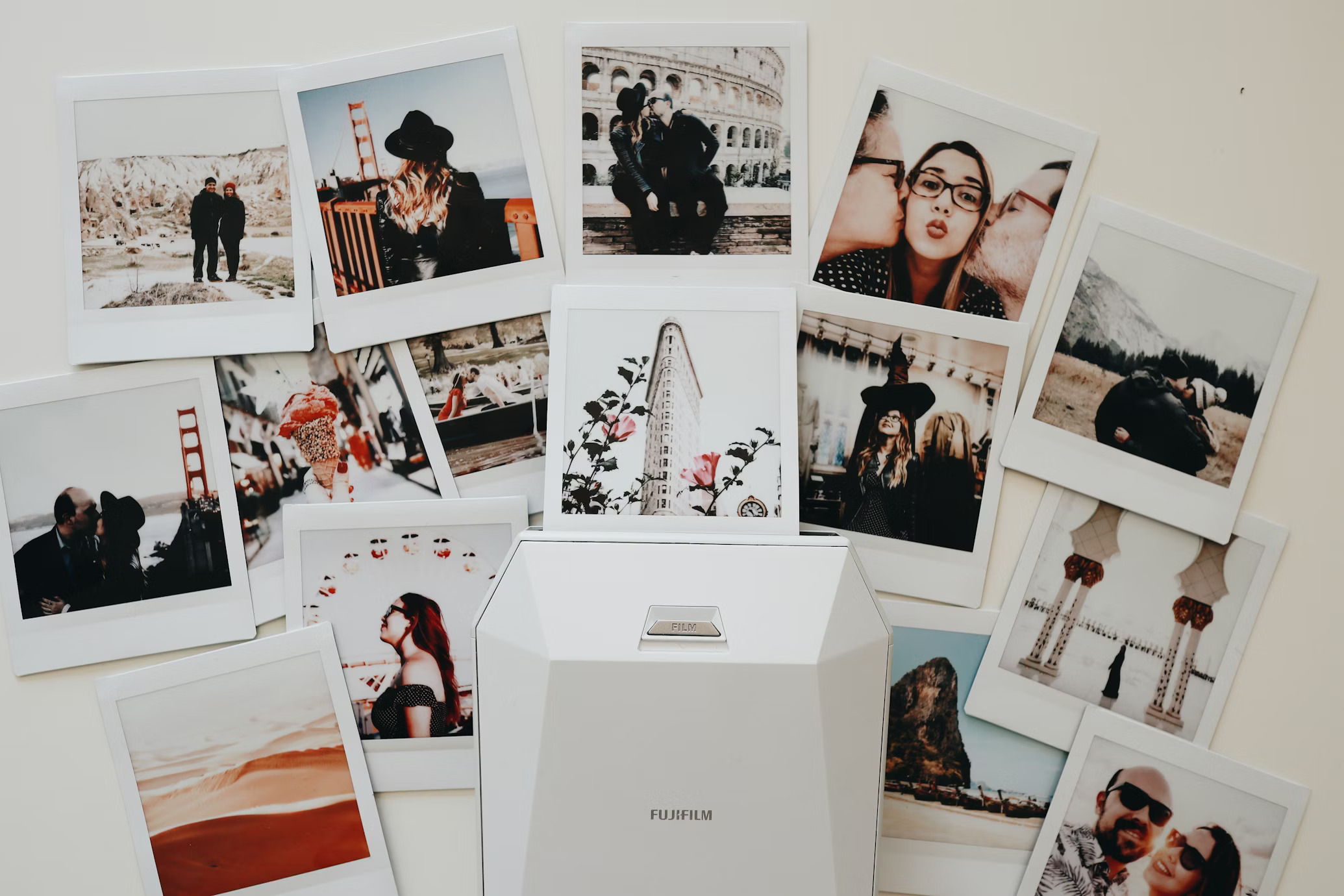
Most people spend decades documenting their lives through photographs and home videos, yet the vast majority of estate plans never mention them.
When a loved one passes, the question of what happens to photos when you die becomes painfully real. Unlabeled boxes get discarded. Albums get split up without consensus. Irreplaceable negatives degrade in forgotten closets.
A digital estate plan for photos solves this problem before it starts. It gives you control over which family members receive specific images, ensures nothing is lost, and turns your collection into a structured, inheritable asset.
Today, we walk you through five actionable steps to build a photo collection estate plan that protects your visual legacy.
What Is a Digital Estate Plan?
A digital estate plan is a set of documents that outlines what happens to your digital assets after death or incapacitation.
It covers online accounts, cloud storage, and your digitized photo and video archives.
Unlike a traditional will focused on real estate and bank accounts, it specifically addresses assets in electronic format and names a “digital executor” authorized to access or distribute them.
A complete digital estate plan photos strategy should include an inventory of all media, clear instructions on who inherits what, and access credentials for any cloud storage platforms.
Why Your Photo Collection Is One of the Most Valuable Assets You Will Leave Behind?
Financial assets have dollar values. Real estate has market prices. But your photo collection carries a value no appraisal can quantify.
Photo inheritance planning means recognizing that emotional significance and treating your images with the same seriousness as any other estate asset.
- Irreplaceability: A photograph of your parents on their wedding day exists once. If it degrades, that moment is gone forever.
- Generational Continuity: Photos connect younger family members to ancestors they never met, providing cultural context and identity.
- Legal and Historical Value: Old photographs can serve as evidence of family lineage, property ownership, or military service.
- Emotional Healing: After a death, access to family photos helps with grieving. Families that never address what happens to photos when you die often face arguments over albums that create lasting rifts.
Step 1: Inventory Your Physical and Digital Media
Start by cataloging everything you own. A thorough inventory is the foundation of any photo collection estate plan.
| Media Type |
Examples |
Condition Risks |
| Printed Photos |
4×6 prints, Polaroids, wallet-size |
Fading, water damage, and yellowing |
| Photo Albums |
Bound albums, scrapbooks |
Adhesive degradation, page sticking |
| Negatives & Slides |
35mm, 110, 126 film, 35mm slides |
Vinegar syndrome, mold, and scratches |
| Video Tapes |
VHS, Hi8, MiniDV, Betamax |
Magnetic tape degradation |
| Movie Film |
8mm, Super8, 16mm reels |
Brittleness, color fading |
| Digital Files |
Hard drives, USB, CDs/DVDs |
File corruption, format obsolescence |
💡
Pro Tip
Walk through every room, including the attic, basement, and garage. Check old suitcases, filing cabinets, and closets. Many people discover forgotten reels or shoeboxes of prints during this process. You do not need exact counts at this stage.
For digital files, note which devices and accounts hold photos: old phones, laptops, Google Photos, iCloud, Dropbox. This full picture forms the backbone of your digital estate plan photo approach.
Step 2: Designate Who Inherits What
Once you know what you have, decide who gets it. This is the heart of photo inheritance planning. Be specific.
| Collection Segment |
Designated Heir(s) |
Notes |
| Wedding Albums |
Eldest daughter |
Includes negatives in Envelope #3 |
| Childhood Photos (1960s) |
All children (shared digital) |
Originals to the eldest son |
| Military Service Photos |
Historical society + family |
Donate copies; originals to grandson |
| Home Videos (VHS) |
All children (shared digital) |
Digitize before distribution |
A solid photo collection estate plan accounts for both physical originals and digital copies. Name a backup heir in case your primary designee is unable to take custody.
Myth Busted
My family will just figure it out.” In reality, the absence of clear instructions is a leading cause of disputes among surviving relatives. Items get discarded by well-meaning cleaners, or multiple family members claim the same albums. Photo inheritance planning prevents these situations.
Step 3: Digitize Before You Are Gone (For Everyone’s Sake)
Physical media degrades. Every year, a photograph sits in a humid attic or a VHS tape goes unplayed, it loses quality. Digitization freezes your collection in time and makes it infinitely shareable. This is the single most important step in digital legacy planning.
When you pass on digitized photos to your heirs, you give them files they can store anywhere, share with distant relatives, and reprint at any time. Physical originals can only exist in one place at once.
Recommended Scanning Resolutions
| Media |
Standard |
Recommended |
Output |
| Printed Photos |
300 DPI |
600 DPI |
JPEG |
| 35mm Negatives |
2000 DPI |
4000 DPI |
JPEG / TIFF |
| 35mm Slides |
2000 DPI |
4000 DPI |
JPEG / TIFF |
| VHS / Hi8 / MiniDV |
SD |
HD (1080p) |
H.264 MP4 |
| 8mm / Super8 / 16mm |
SD |
HD (1080p) |
H.264 MP4 |
Photos scanned at 600 DPI can be reprinted at twice the original size without quality loss. For negatives, 4000 DPI captures maximum detail and supports enlargements of 16×20 or larger.
💡
Pro Tip
Do not wait for “someday.” VHS tapes degrade after 15 to 20 years. Color negatives show visible deterioration within 30 to 50 years. If you plan to pass on digitized photos, act now while the quality is still recoverable.
Step 4: Set Up Shared Cloud Storage With Trusted Access
Digitizing is half the equation. You also need a storage and access plan. Cloud storage is the most practical solution for digital legacy planning because it lets multiple family members access the same collection from anywhere.
| Platform |
Free Tier |
Sharing |
Inactive Policy |
| Google Drive |
15 GB |
Shared drives |
Deleted after 2 yrs |
| iCloud |
5 GB |
Legacy Contact |
Legacy Contact feature |
| Dropbox |
2 GB |
Shared folders |
Deleted after 1 yr |
| OneDrive |
5 GB |
Shared libraries |
Deleted after 1 yr |
- Choose a platform with shared access or family plans. Include login credentials in your estate documents or a password manager.
- Organize files into labeled folders by decade, event, or family branch.
- Keep a local backup on an external hard drive in a fireproof safe. Cloud providers can change terms or go offline.
Step 5: Create a Caption and Identification Document
Photos without context lose meaning within a generation. That smiling couple in the black-and-white print?
Without a label, your grandchildren will never know who they are. A caption document is critical when you pass on digitized photos.
- Who: Full names of people in the photograph.
- What: Event or occasion.
- When: Approximate date or year.
- Where: Location.
- Story: Any anecdote that adds emotional context.
This document transforms anonymous JPEGs into a narrated family history. It is one of the most valuable elements of a photo collection estate plan because it preserves stories alongside images.
💡
Pro Tip
Record yourself narrating the stories behind your photos using a smartphone voice memo. Pair each recording with the photo file name. This is a powerful way to pass on digitized photos with context that text alone cannot capture.
Working With a Professional Digitizing Service as Part of the Plan
Digitizing a large collection yourself can take hundreds of hours. For estate planning, speed and quality both matter. Smooth Photo Scanning has been helping families preserve their visual legacies for over 25 years from their facility in Lodi, New Jersey.
- Photo Scanning: 300, 600, or 1200 DPI. JPEG output. Bulk scanning for any size collection.
- Negative and Slide Scanning: 35mm, 110, and 126 negatives at up to 4000 DPI with Digital ICE technology.
- Video and Film Transfer: VHS, Hi8, MiniDV, 8mm, Super8, and 16mm film to H.264 MP4 in SD or HD.
- Audio Conversion: Cassettes, microcassettes, and reel-to-reel to MP3.
- Organized Delivery: Files organized into labeled folders. Delivered via download link for sharing with family.
Working with Smooth Photo Scanning fits naturally into your digital estate plan photos strategy. Send in physical media, receive organized digital files, then distribute to your designated heirs via shared storage or flash drives.
Myth Busted
I can just snap phone photos of my prints.” Smartphone cameras cannot match the resolution or color accuracy of professional flatbed scanning. A 4×6 print scanned at 600 DPI produces a 2400×3600 pixel image. A phone snapshot of the same print shows glare, distortion, and lower quality. For a photo collection estate plan, professional scanning is the standard.
Start Your Estate Digitization: Request a Custom Quote
Ready to turn your collection into a structured, inheritable digital archive? Visit smoothphotoscanning.com to place your order or call 973-510-0818 during business hours. Free pickup and delivery are available in the NYC tri-state area for qualifying orders. Shipping labels are provided nationwide.
Closing Thoughts
Building a digital estate plan for photos requires intentionality, not complexity. Inventory your media, designate heirs, digitize everything, set up shared storage, and document the stories behind your images.
What happens to photos when you die is a question too few people address while they still can. Digital legacy planning gives you the power to answer it on your own terms. Start today. Your family will thank you.