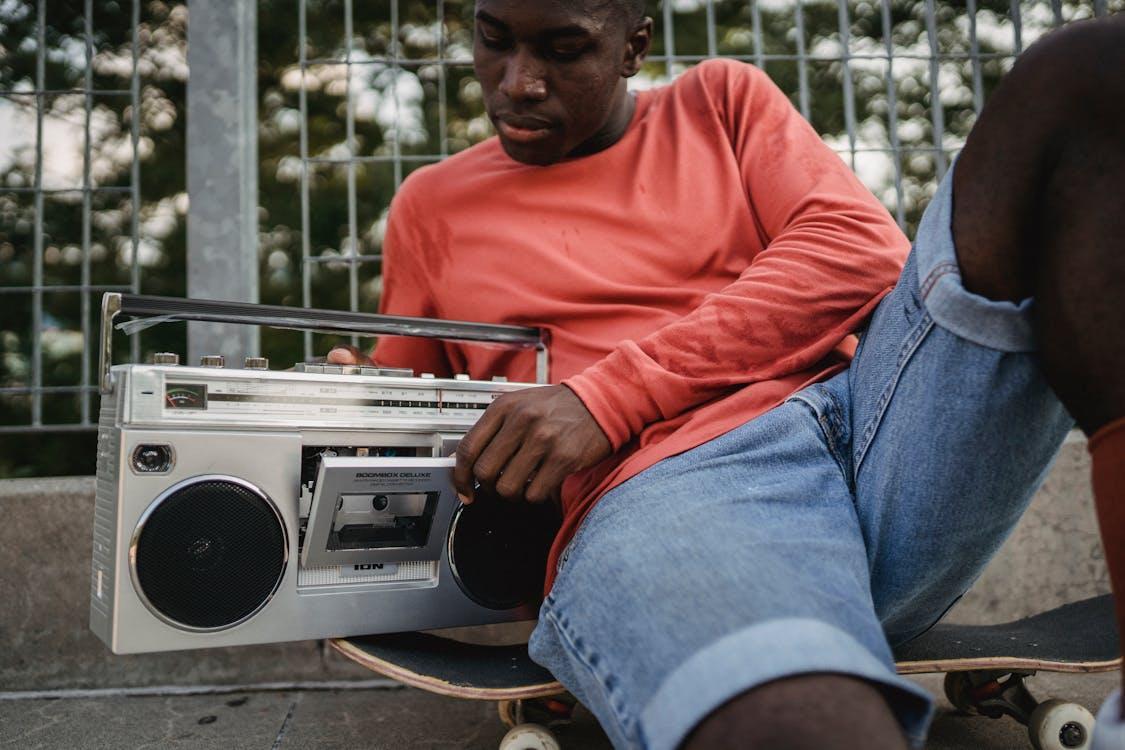
Preserve Your Past: Why You Should Convert Cassette Tapes to Digital Now
18
September
2024
9:38
am
Preserve Your Past: Why You Should Convert Cassette Tapes to Digital Now Written by:
Brandon Harris, Smooth Photo Scanning Services
Summary: Learn why converting your old cassette tapes to digital is essential for preserving audio memories before they degrade. This guide compares DIY and professional methods, explains the best formats, and shows how digitization protects and enhances your recordings for future use.
Old audio cassette tapes won’t last forever—but your memories can. Digitizing these tapes ensures you preserve treasured recordings, protect them from aging tape quality, and make them easier to access, share, and store.
Whether it’s a mixtape, a voice recording from a loved one, or old music collections, converting cassette tapes to digital formats like MP3 is the safest and most effective way to future-proof your audio library.
Why Digitize Audio Cassettes?
Analog tapes degrade with time. Audio distortion, fading, and physical damage are inevitable. Digitizing offers the only reliable way to:
Preserve aging cassette recordings before they’re lost to time
Save audio cassettes digitally in modern, universal formats
Access, share, and edit recordings from any device
Eliminate the need for old players or bulky storage
Back up and protect your recordings from permanent loss
Yes. Audio cassettes were never designed to last forever. Over the years:
Magnetic tape deteriorates
Plastic parts break or warp
Exposure to heat, moisture, and dust causes permanent damage
Once audio is lost, it often can’t be recovered. Digitizing is the only way to ensure your recordings stay safe and sound.
Cassette to Digital: MP3 vs. WAV vs. CD vs. Cloud
Choosing the right format depends on your needs:
Format
Best For
Pros
Cons
MP3
Everyday use
Small file size, universal
Slightly compressed quality
WAV
Archival storage
High-quality, uncompressed
Large file size
CD
Physical backup
Easy playback in players
Limited capacity
Cloud/USB
Accessibility & sharing
Portable, easily backed up
Needs internet or compatible device
Tip: Ask your audio tape transfer service to provide multiple formats.
Common Problems When Converting Cassette Tapes (and How to Fix Them)
1. Poor Sound Quality
Hissing, distortion, and muffling can occur. Use noise reduction tools and adjust your recording levels during conversion.
2. Hardware Compatibility
Older cassette players may not connect directly to modern computers. Use audio interfaces or adapters as needed.
3. Time-Consuming Process
Each tape must be played in real time. If you have dozens of cassettes, outsourcing to a professional saves hours.
How Smooth Photo Scanning Can Help
At Smooth Photo Scanning, we specialize in converting audio cassette tapes to digital using a secure, high-quality process that protects your recordings and enhances sound clarity.
Our services include:
High-bitrate audio capture
Noise and distortion removal
Multiple format options (MP3, WAV, CD, USB, Cloud)
Affordable pricing with volume discounts
Whether you need to preserve a single tape or hundreds, we make the process easy, fast, and worry-free.
Final Thoughts: Don’t Let Your Audio History Fade Away
Every cassette contains a story—your voice, your favorite songs, memories of a different time. Don’t let them get lost.
By converting your tapes to digital, you’re not just upgrading format—you’re preserving your legacy. Take the first step today. Digitize your tapes and relive those memories, clearly and forever.
What is the best way to convert cassette tapes to digital?
Professional services provide the best quality, especially for aging or fragile tapes. However, DIY conversion is possible with the right tools and software like Audacity.
Do cassette tapes degrade over time?
Yes. Over time, magnetic tape loses quality and can become unreadable. Heat, dust, and repeated playback accelerate this process.
Can I improve the audio quality of old cassette tapes?
Yes. Audio editing software and professional services can remove noise, adjust volume, and improve clarity.
Is it expensive to convert tapes?
Prices vary, but most services charge per tape or per minute. At Smooth Photo Scanning, we offer volume discounts and custom quotes.
How long does the conversion process take?
DIY conversion takes real-time playback length. Professional services usually return results within 1–2 weeks depending on volume.
Your wedding album is proof of one of the happiest days of your life, and it deserves better than a dusty shelf or a damp box in the basement. If you...
 5.0★ from 201 Google reviews